







They asked. The moment passed.
An interested customer sends a message, but your team sees it too late. Give that interest a useful response while there is still a conversation to have.
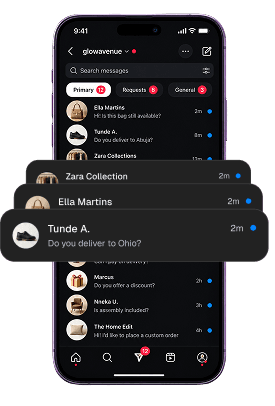

Turn every customer conversation into an opportunity to sell, support, and build lasting relationships. Bring your messages, comments and calls into one intelligent workspace.
Your customers should be able to reach you where they feel comfortable. Your team should not have to search everywhere to keep up.
Someone asks about a product. Someone needs help. Someone is ready for the next step. But between the notifications, repeated questions and handoffs, important conversations get left behind.
An interested customer sends a message, but your team sees it too late. Give that interest a useful response while there is still a conversation to have.
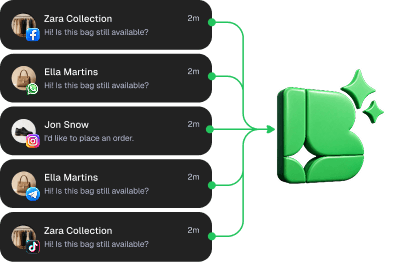
Checking one inbox means neglecting another. Bring your connected conversations into one workspace so keeping an eye on your business does not mean keeping every app open.

Prices, delivery, opening hours, setup. Let AI draw on your business information so your team does not have to type the same explanation all day.
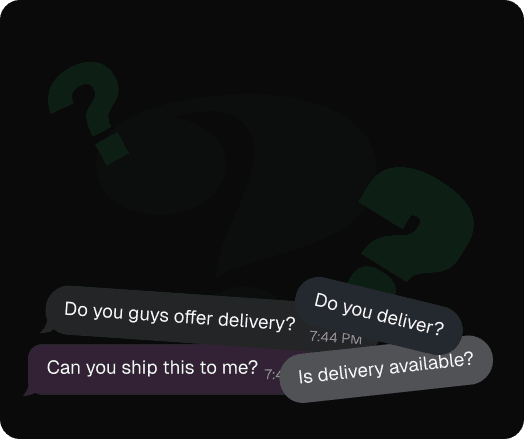
A buying question can look like just another notification. Help your team recognise what someone needs and give the conversation the right attention.
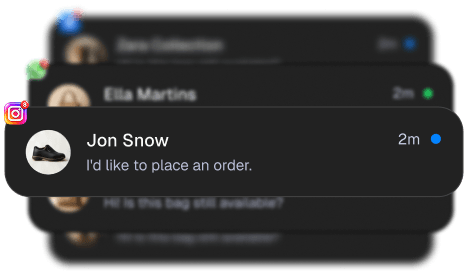
As conversations grow, the answer cannot always be to work later. Let AI handle routine exchanges while the right people take care of the rest.
“How much?” is more than a comment. It is a chance to help someone
decide.
Respond to product questions, understand what an interested customer is looking for, and guide them towards a purchase, booking or conversation with your team.
Use the information your business already has to answer everyday questions. When a request needs a person, bring your team into the conversation with the relevant history available.
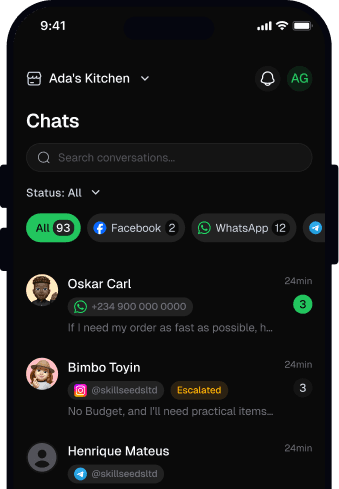
Help people find the resource they asked for, answer questions about your work, and make new followers feel welcome. Stay responsive without spending every working hour in comments and DMs.
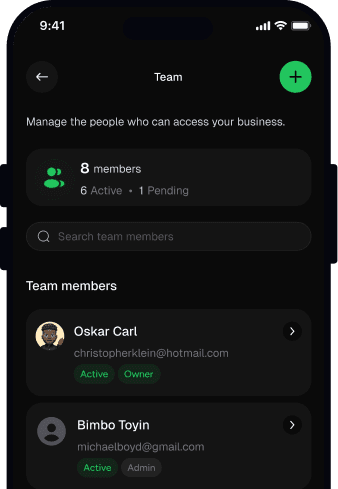
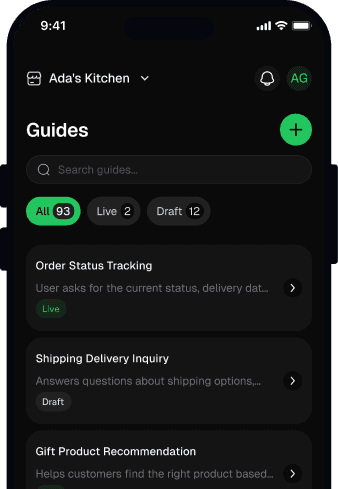
Connect sources such as Notion, GitBook, GitHub and your own APIs. Then define how replies should sound, what AI should cover and when it should bring in your team.
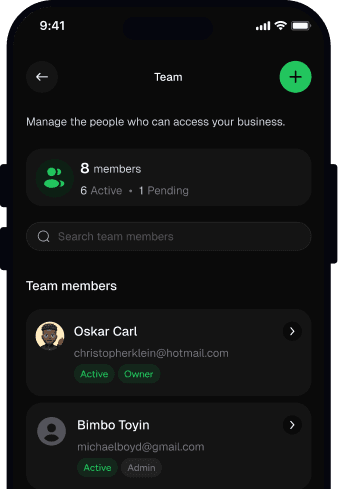
Bring teammates and departments into a shared workspace. Make ownership clearer and let people pick up the relevant conversation without sending customers from one inbox to another.
Get Buddy working for your business in three simple steps.
Bring in the channels your business uses to talk with customers and your audience.
Connect your business knowledge and set the tone, instructions, and boundaries for replies.
Add the people who should handle sales, support, and anything that needs human attention.
Everything you need to know about BuddyAssist, all in one place.
No. You can use it to respond to buying questions, nurture interested people, engage your audience and manage support. The common thread is helping conversations move towards a useful outcome.
You can set instructions for tone, language and how your business should be represented. Your connected knowledge gives replies business context; your instructions guide how that information is expressed.
Yes. Buddy Assist brings AI assistance and team conversations together. Your people can stay involved rather than sending customers to a separate support process.
Yes. The API lets your developers connect Buddy Assist to your application. The data and actions available depend on the integration you build.
No. Available message types and automations depend on the channel, account and connection. Explore the relevant channel or discuss your setup with our team.

Give people the answers, attention and next steps that help your business grow.